Error fixing
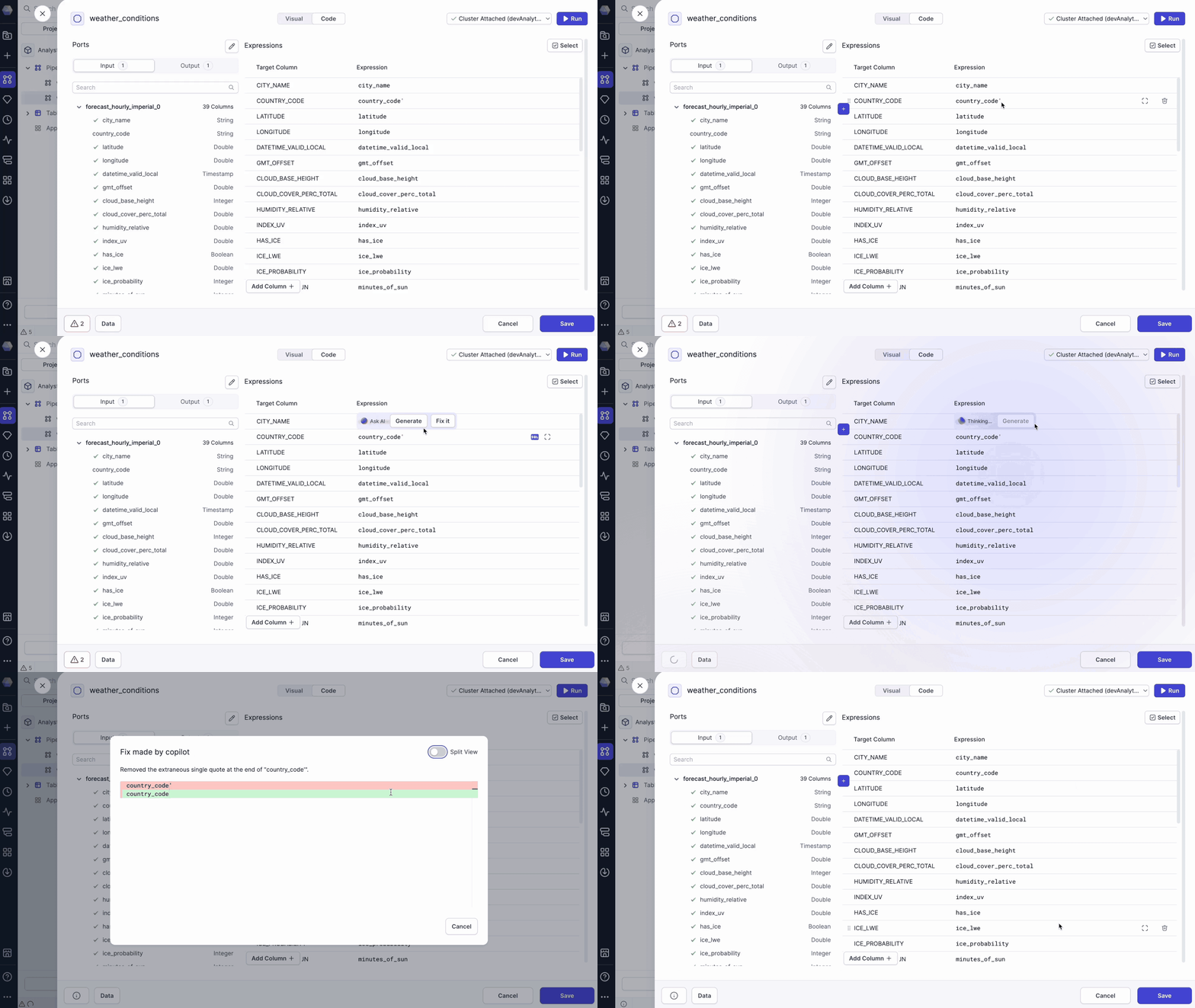
Troubleshooting pipeline errors manually can be time-consuming. Prophecy simplifies this process by offering multiple ways to detect and resolve issues quickly. After Copilot makes the fix, Prophecy will always provide a summary of the changes made.
Inline fix
Click an expression inside a gem with an error and select Fix it to apply an automatic correction.
Fix on save
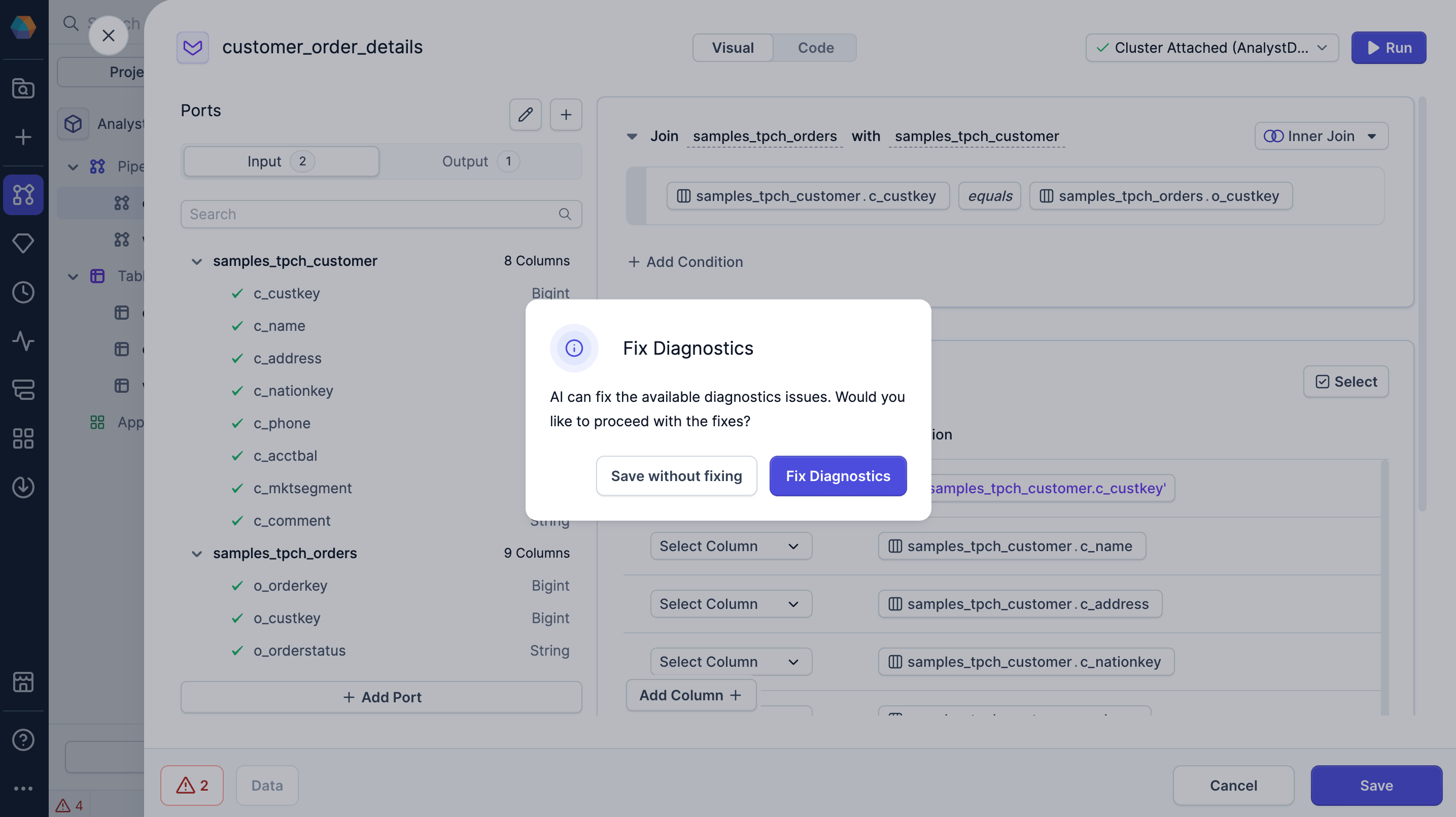
When saving a gem with detected errors, Prophecy prompts you to either Save without fixing or Fix Diagnostics.
Fix Diagnostics triggers Copilot to resolve the issues for you.
Gem-level fix
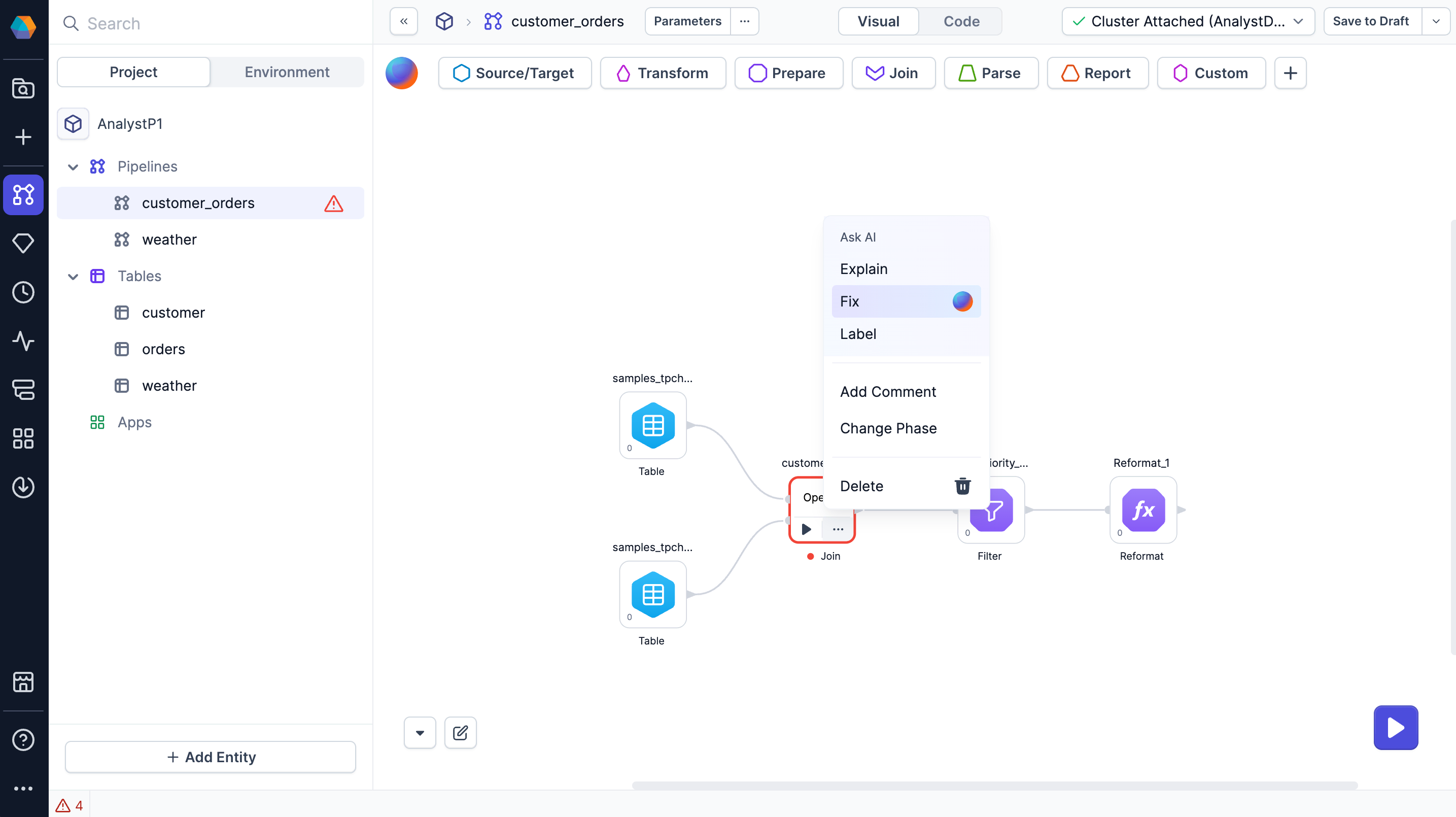
On the pipeline canvas, open a gem’s action menu and select Fix to automatically correct errors within that component.